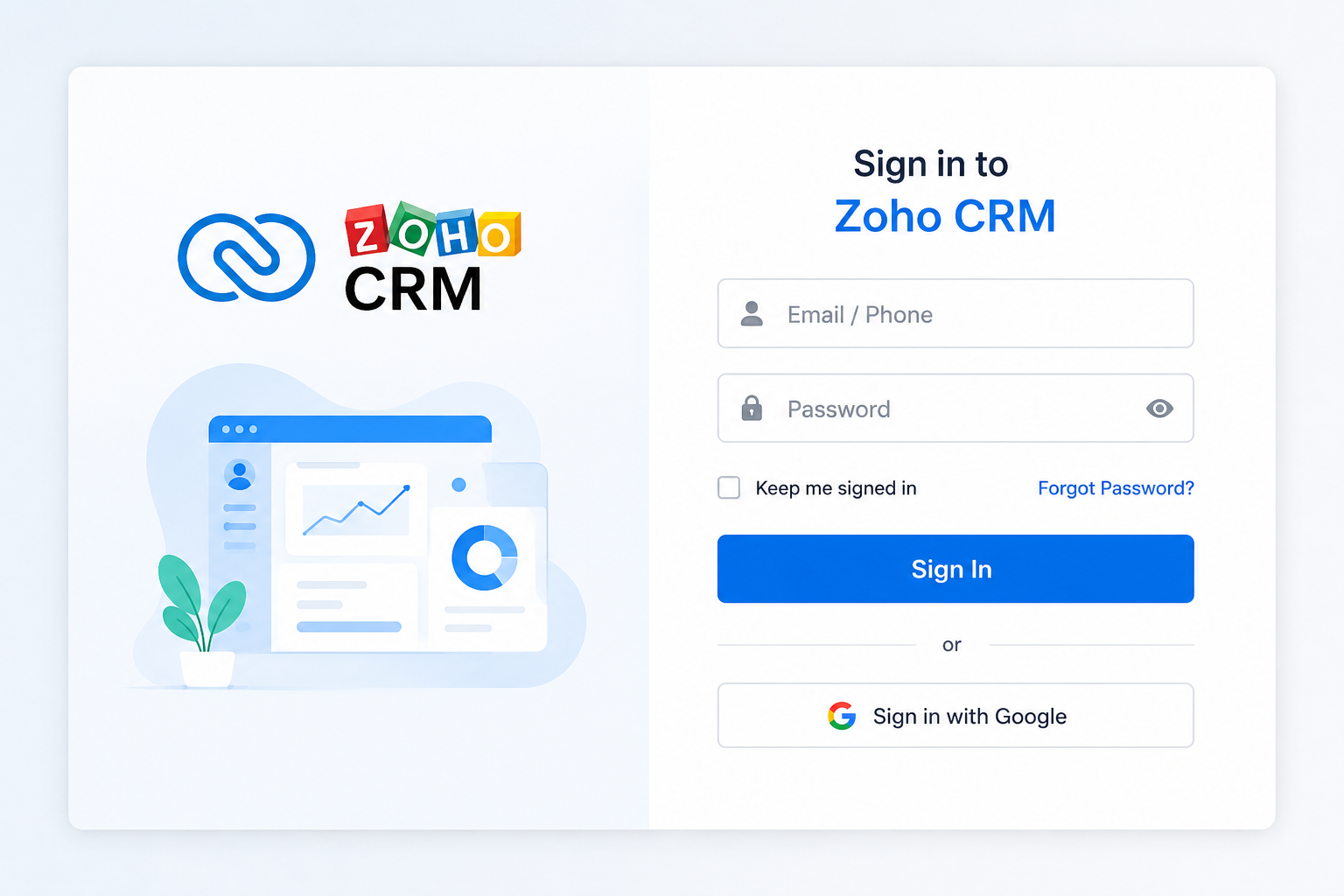
Zoho CRM Login:
Managing customer relationships efficiently starts with one simple step — logging into your CRM. For thousands of businesses across India and globally, Zoho CRM Login is the gateway to smarter sales management, customer data access, and business automation. Whether you run a startup, a growing enterprise, or a sales team, understanding how to access and use your Zoho CRM account effectively can transform your business operations.
What is Zoho CRM Login?
Zoho CRM Login is the secure authentication process that allows users to access the Zoho CRM platform — a cloud-based customer relationship management software designed to help businesses manage leads, contacts, sales pipelines, and customer interactions from one centralized dashboard.
When you complete the Zoho CRM sign in process, you unlock a full suite of tools including sales automation, reporting, workflow management, and customer support features. The login system uses secure Zoho CRM authentication protocols to protect your business data and ensure only authorized users gain CRM account access.
How to Access Zoho CRM Login
Accessing your Zoho CRM account is straightforward:
- Visit crm.zoho.com or the official Zoho CRM login portal
- Enter your registered email address and password
- Complete two-factor authentication if enabled
- Land directly on your personalized Zoho CRM dashboard
You can access Zoho CRM from both desktop browsers and mobile devices using the Zoho CRM mobile app available on Android and iOS. This makes it a truly flexible cloud CRM platform for teams working remotely or on the go.
Key Features Available After Zoho CRM Login
Once you complete your Zoho CRM user login, you get immediate access to powerful business tools:
- Lead Management — Capture, track, and nurture leads efficiently
- Contact Management — Store and organize complete customer profiles
- Sales Pipeline Tracking — Monitor deals at every stage of your sales cycle
- CRM Workflow Automation — Automate repetitive tasks to save time
- Customer Support Tools — Resolve tickets and manage client relationships
- Reports and Analytics — Get actionable insights to improve performance
Zoho CRM Login provides secure access to customer records, sales pipelines, workflow automation, reports, and business insights from a centralized dashboard — making it one of the most comprehensive CRM business software solutions available today.
Benefits of Zoho CRM Login for Businesses
For Indian SMEs, startups, and growing enterprises, using Zoho CRM consistently delivers measurable results:
- Improved Team Productivity — Sales and support teams access everything from one platform
- Faster Customer Data Access — No delays in retrieving client information
- Better Collaboration — Shared CRM dashboard access keeps all departments aligned
- Enhanced Customer Management — Full visibility of every customer interaction
- Business Process Automation — Reduce manual work with smart CRM workflow automation
- Scalable Operations — Grow your business without outgrowing your CRM
As a cloud-based CRM software, Zoho CRM eliminates the need for expensive on-premise systems, making it ideal for businesses across India looking for cost-effective customer management platform solutions.
Common Zoho CRM Login Issues and Solutions
Even reliable systems face occasional issues. Here are quick fixes for common Zoho CRM login problems:
- Forgot Password — Use the "Forgot Password" link on the CRM login portal to reset via email
- Login Errors — Clear browser cache or try a different browser for compatibility
- Two-Factor Authentication Issues — Ensure your registered mobile number is active
- Account Locked — Contact Zoho support or your CRM administrator for access restoration
- Slow Dashboard Loading — Check internet connectivity or switch to a faster browser
Maintaining secure CRM login habits — such as using strong passwords and enabling two-factor authentication — protects your CRM data management and keeps business information safe.
How Dstechnoverse Helps with Zoho CRM Implementation
Getting access to Zoho CRM is just the beginning. Maximizing its potential requires expert setup, customization, and ongoing support — and that's exactly where Dstechnoverse comes in.
Dstechnoverse helps businesses implement, customize, and optimize Zoho CRM to improve customer management, streamline workflows, and increase operational efficiency.
Our Zoho CRM services include:
- CRM Setup and Configuration — Tailored to your business processes
- Custom Workflow Automation — Reduce manual tasks and speed up operations
- CRM Migration Support — Seamlessly move data from legacy systems
- Employee Training — Ensure your team uses Zoho CRM to its full potential
- Ongoing Technical Assistance — Reliable CRM account management support
Whether you are a real estate company, e-commerce business, service provider, or consultant in India, Dstechnoverse delivers end-to-end Zoho CRM implementation services that drive real business growth.
Conclusion
Zoho CRM Login is your business's entry point to smarter customer management, streamlined sales operations, and powerful automation. With a secure CRM account access system and a feature-rich dashboard, Zoho CRM remains one of the top cloud CRM platforms for businesses of all sizes.
If you want to unlock the full potential of your Zoho CRM investment, contact Dstechnoverse today for professional CRM implementation, customization, and support services designed to help your business grow faster and operate smarter.
Frequently Asked Questions (FAQs)
Q1. How do I access Zoho CRM Login? Go to crm.zoho.com, enter your email and password, and complete two-factor authentication if enabled. You will be directed to your Zoho CRM dashboard immediately.
Q2. What should I do if I forget my Zoho CRM password? Click the "Forgot Password" option on the Zoho CRM login page and follow the reset instructions sent to your registered email address.
Q3. Is Zoho CRM Login secure? Yes. Zoho CRM uses strong Zoho CRM authentication protocols including two-factor authentication and encrypted data transmission to ensure secure CRM login for all users.
Q4. Can I access Zoho CRM from mobile devices? Absolutely. Zoho CRM offers a dedicated mobile app for Android and iOS, allowing full CRM dashboard access from smartphones and tablets anywhere in India or globally.
Q5. How can Dstechnoverse help with Zoho CRM setup? Dstechnoverse provides complete Zoho CRM implementation services including setup, customization, workflow automation, staff training, and ongoing technical support for businesses across India.
Further Reading
- CRM software price in India: costs and budgets
- How to choose a CRM system
- CRM implementation, step by step
- CRM data migration guide
- CRM vs ERP: the difference
- CRM implementation service
Frequently Asked Questions
I cannot log in to my CRM. What should I check first?
Check that you are using the correct login page for your account’s region, that your username or email is correct, and whether your administrator has enabled single sign-on or two-factor authentication. Resetting the password from the login page solves most cases.
How can we make CRM logins more secure?
Turn on two-factor authentication for all users, remove accounts of people who have left, give users only the permissions they need, and review login activity regularly.
Who should manage user access in a company CRM?
One or two named administrators, who add and remove users, assign roles and keep a record of changes. Shared logins should be avoided because they make it impossible to see who did what.
Can we access the CRM on mobile?
Most CRMs offer mobile apps with the same login. Apply the same security settings, and make sure lost or replaced phones are signed out.