
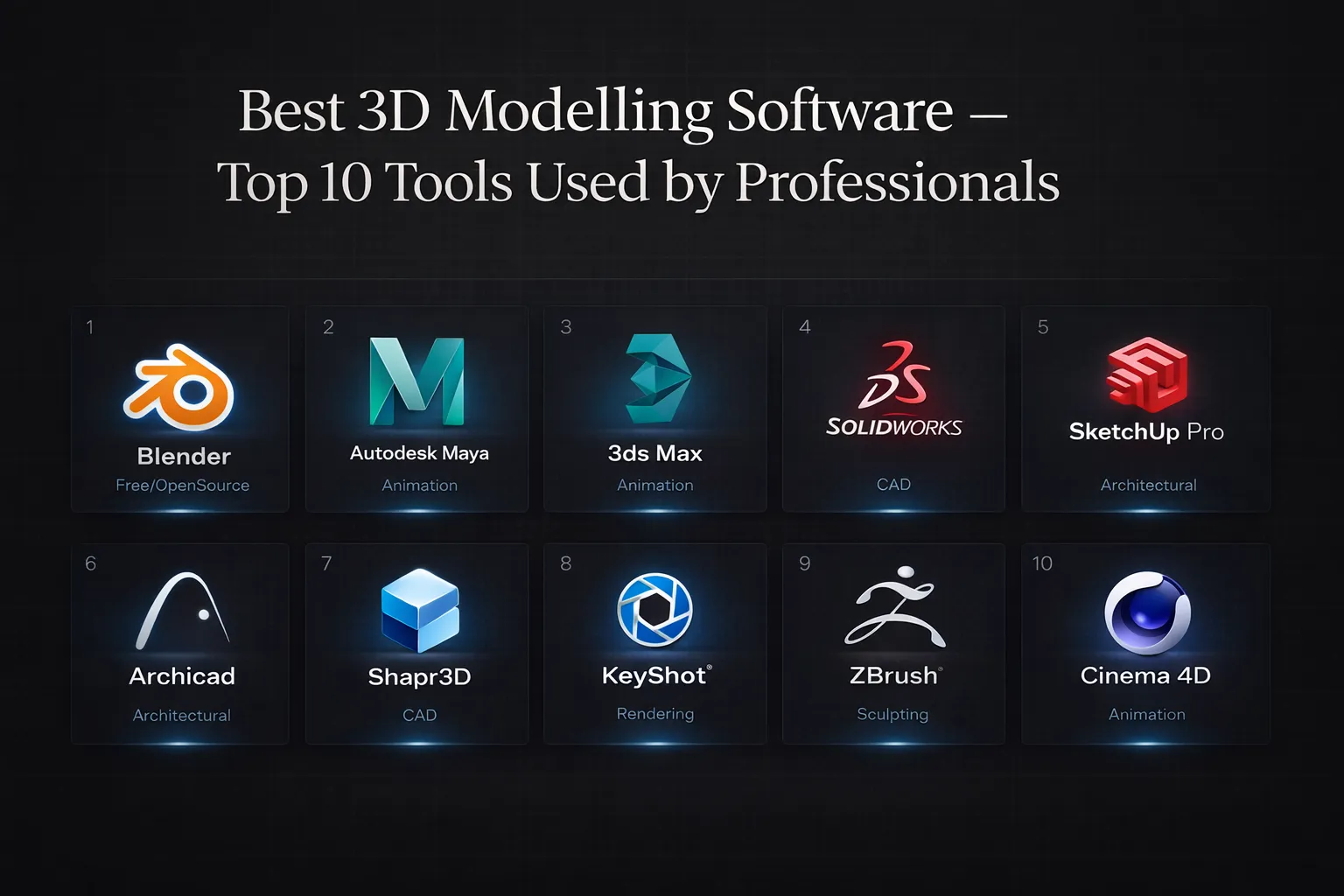
Choosing the best 3D modelling software is crucial for professionals across industries like architecture, engineering, animation, and product design. With the rapid evolution of technology in 2025-2026, selecting the right tool can significantly impact productivity, creativity, and project outcomes. Whether you’re a seasoned professional or just starting your 3D modelling journey, understanding which software aligns with your workflow is essential. This guide explores the best 3D modelling software options that professionals rely on to bring their visions to life.
Our selection criteria focused on real-world professional usage rather than marketing claims. We evaluated each tool based on industry adoption rates, feature richness, rendering performance, and suitability for specific disciplines. Learning curve accessibility, scalability from small projects to enterprise-level work, and community support also played vital roles. We prioritized professional 3D modelling software that demonstrates proven track records across multiple sectors, ensuring our recommendations serve diverse professional needs.
Blender stands as the leading open-source solution among 3D modelling tools, offering a comprehensive suite for modelling, animation, rendering, and compositing. Its Cycles and Eevee rendering engines deliver professional-quality results, while the active community continuously develops plugins and resources. Perfect for animators, VFX artists, and freelancers seeking powerful capabilities without licensing costs.
Maya dominates the film and animation industry as premier 3D animation and modelling software. Its robust character rigging, advanced animation tools, and seamless pipeline integration make it the standard for major studios. Professionals appreciate its Python scripting capabilities and comprehensive toolset for creating complex animations and visual effects.
3ds Max excels in architectural visualization and game development, offering intuitive modifiers and powerful rendering through Arnold. As architectural 3D software, it provides exceptional polygon modelling tools and extensive plugin support. Architects and game developers favor its straightforward workflow and Windows-optimized performance.
Engineers rely on SolidWorks as their go-to CAD and 3D modelling software for parametric design. Its simulation capabilities, assembly management, and manufacturing integration make it indispensable for product development. The software excels at creating precise mechanical parts and conducting structural analysis.
SketchUp Pro offers accessibility without sacrificing functionality, making it ideal for architects and interior designers. Its intuitive interface allows rapid concept development, while the Extension Warehouse provides specialized tools. This 3D design software bridges the gap between sketching and detailed modelling.
Archicad revolutionizes architectural workflows through Building Information Modeling (BIM). This architectural 3D software enables collaborative design, automated documentation, and intelligent building elements. Architects appreciate its focus on design intent rather than technical drafting.
Shapr3D brings professional CAD capabilities to iPad, offering touch-based parametric modelling. Industrial designers and engineers value its portability and intuitive gesture controls. The software demonstrates that engineering 3D modelling tools can maintain precision while embracing mobile workflows.
KeyShot specializes in photorealistic rendering, transforming 3D models into stunning visualizations. Product designers and marketers use this 3D design software for creating compelling product images and animations. Its real-time rendering and material library streamline the visualization process.
ZBrush revolutionizes digital sculpting with millions of polygons handled effortlessly. Character artists and sculptors consider it essential 3D modelling tools for creating organic forms and high-resolution details. Its brush-based workflow mimics traditional sculpting while offering digital advantages.
Cinema 4D balances power with user-friendliness, making it popular for motion graphics and broadcast design. Its MoGraph toolset and seamless After Effects integration serve creative professionals seeking 3D animation and modelling software for dynamic content creation.
Selecting the best 3D modelling software requires assessing your specific requirements. Consider your skill level—beginners benefit from intuitive interfaces like SketchUp, while veterans might prefer Maya’s depth. Industry requirements matter significantly; architects need BIM capabilities, while engineers require precise parametric tools. Budget constraints influence decisions, with options ranging from free (Blender) to enterprise pricing. Finally, ensure your hardware meets software demands, as industrial 3D software often requires substantial computing power for complex projects.
The best 3D modelling software ultimately depends on your professional context, workflow preferences, and project demands. Whether you need CAD and 3D modelling software for engineering precision or 3D animation and modelling software for creative expression, this list provides proven solutions. Evaluate your priorities, test available trials, and choose tools that enhance rather than hinder your creative process. As technology advances, these engineering 3D modelling tools continue evolving, ensuring professionals remain equipped for future challenges in the dynamic world of 3D creation.